Buying a Medical Alert System: Features to Compare
In-home station, mobile pendant, or smartwatch? We walk through GPS, fall detection, 24/7 monitoring, plan lengths, the fees worth asking about, and how to choose a medical alert system together with the person who will actually wear it.

Shopping for a medical alert system usually starts with a worried phone call or a quiet conversation at the kitchen table. Someone you care about lives alone, or spends long stretches by themselves, and you both want a simple way for them to reach help with one press of a button.
The tricky part is that these systems look alike on the surface but differ a lot underneath. Some only work at home, some travel everywhere, some call a professional monitoring center, and the pricing can be structured in ways that are easy to misread. We put this guide together so you can compare the features that actually matter and ask the right questions before you sign up for anything.
One note before we start: a medical alert system is a communication tool, not a medical device that treats or prevents anything. If you have questions about a person’s health needs or safety risks, their doctor is the right person to ask.
Start With Where Their Day Actually Happens
Before comparing devices, picture a normal week for the person who will wear it. That picture does more to narrow your choices than any spec sheet.
- Mostly at home? A home-based system may cover nearly everything they need.
- Out walking, driving, gardening, or running errands? A mobile device that works away from the house makes more sense.
- Comfortable with technology and already wearing a watch? A smartwatch-style device may be the easiest sell.
- Is there a reliable landline or good cellular signal at home? Some systems depend on one or the other, so this matters more than people expect.
In-Home Station, Mobile Pendant, or Smartwatch
In-home station
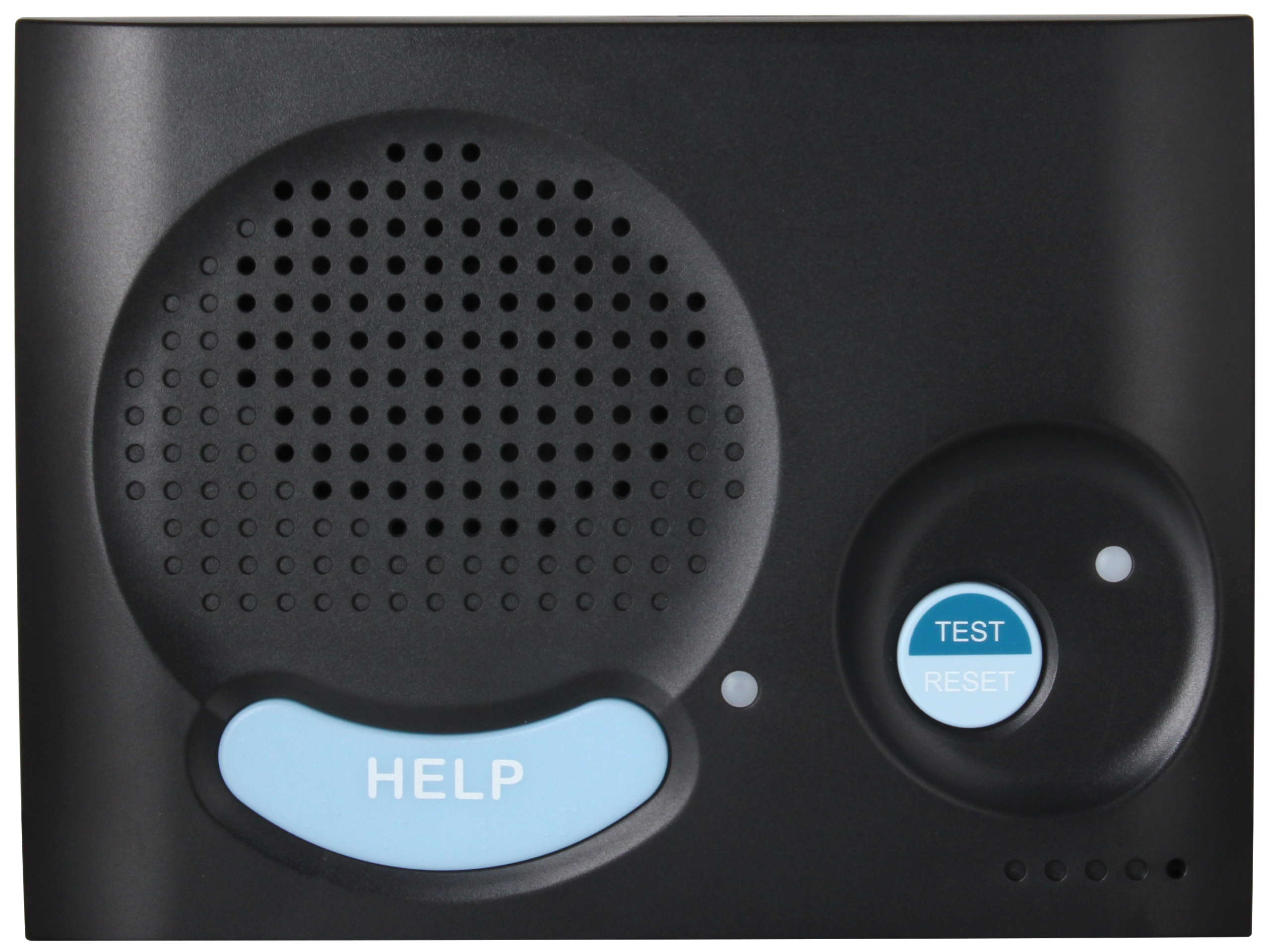
This setup pairs a base unit (usually with a speaker and microphone) with a wearable button, often a pendant or wristband. When the button is pressed, the base unit places the call. These systems are typically designed for use inside the home and maybe a short distance around it, like the porch or mailbox. Ask the provider about the range between the button and the base, and whether the base unit connects through a landline or a cellular network.
Mobile necklace or pendant
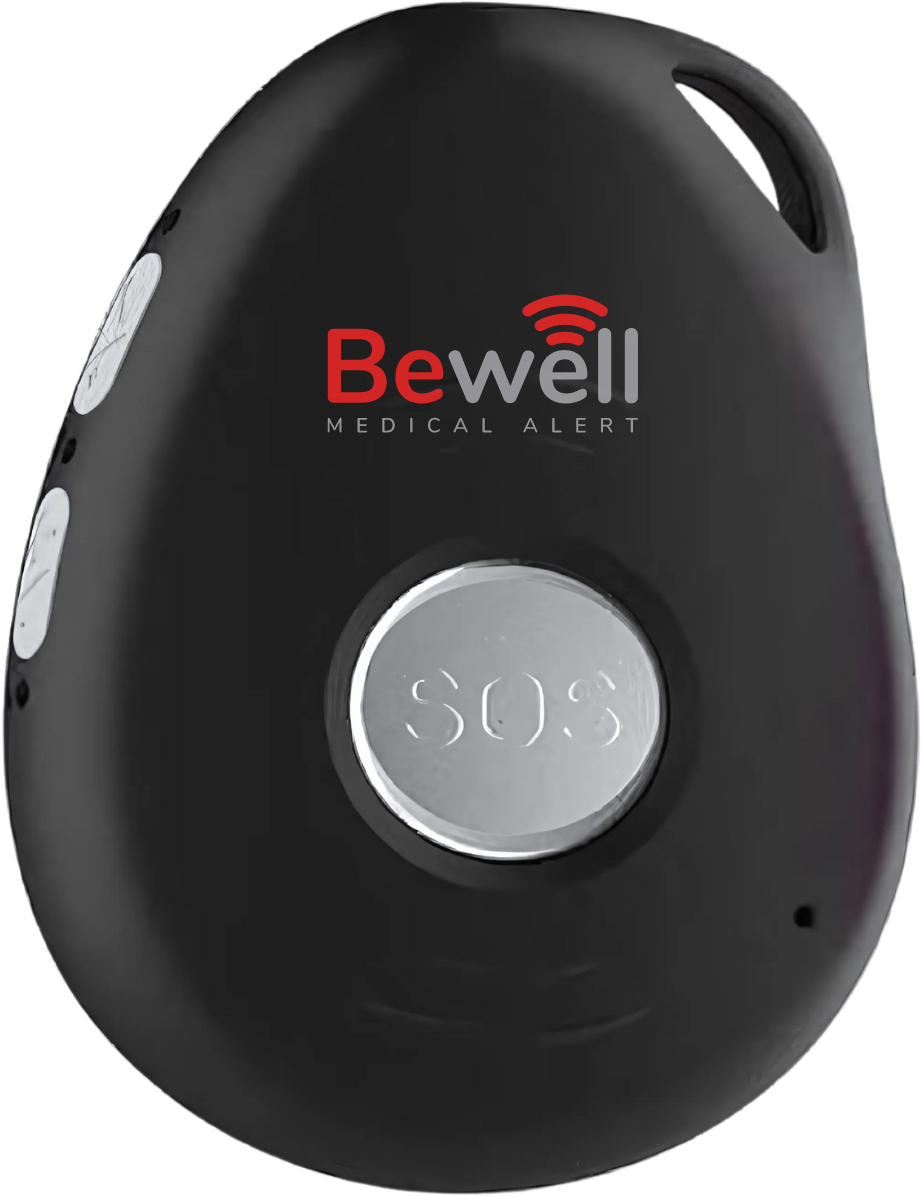
A mobile pendant carries its own cellular connection, so it can work at home and out in the world. That freedom comes with responsibilities: it needs regular charging, and it depends on cellular coverage where the person spends time. Ask how long a charge lasts, how the device signals a low battery, and whether it has a built-in speaker so the wearer can talk directly through it.
Smartwatch
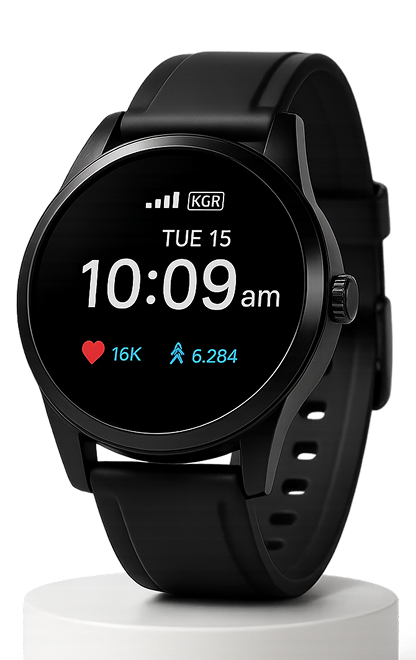
Watch-style alert devices look like everyday accessories, which some people strongly prefer. They may offer extras such as a clock display, reminders, or step counts. The tradeoffs to check are screen readability, button size, how often charging is needed, and whether the help button is easy to press with stiff or shaky fingers.
GPS and Coverage: Ask Specific Questions
If the device is mobile, location features matter. GPS can help a monitoring center or family member know where the wearer is when they call for help. Good questions to ask:
- Which cellular network does the device use, and does it have solid coverage in the person’s home, neighborhood, and regular destinations?
- Does location sharing happen automatically during an alert, or only on request?
- Can family members see location in an app, and does the wearer get to decide whether that is turned on?
- How does the device behave indoors, where GPS can be less precise?
That last point about the wearer’s say is worth pausing on. Location tracking can feel reassuring to family and intrusive to the person being tracked. Talk it through openly.
Fall Detection: Understand What It Does and Does Not Do
Many systems offer automatic fall detection, often as an add-on. The idea is that the device can sense certain movements and trigger an alert even if the wearer does not press the button. It is a feature a lot of families ask about, and it deserves careful questions rather than assumptions.
- Is fall detection included or an extra monthly charge?
- Can it miss some falls, and does the provider say so plainly?
- What happens with false alarms, such as dropping the pendant or sitting down hard? Can the wearer cancel easily?
- Does it need to be worn a certain way (around the neck versus on the wrist) to work as designed?
The safest mindset: treat fall detection as a backup, and make sure the wearer still knows to press the button whenever they can.
Monitoring: Professional 24/7 Center or Family Contacts
This is one of the biggest differences between systems. Some route alerts to a monitoring center staffed around the clock, where an operator talks with the wearer and contacts family or emergency services as needed. Others call a list of family or friends directly, with no professional in the loop.
Questions we would ask any provider:
- Is monitoring available 24 hours a day, every day of the year?
- Who answers, and what happens if the wearer cannot speak?
- Can you set up a call order for family members, and update it later?
- Do caregivers get a notification or text when an alert happens?
- Is there a way to test the system regularly without causing a real emergency response?
Monthly, Quarterly, or Yearly Plans (and the Fees to Ask About)
Most medical alert systems are sold as a device plus an ongoing service plan. Plans are commonly billed monthly, quarterly, or yearly. Longer billing periods sometimes come with a lower effective monthly cost, while monthly billing gives you more flexibility if needs change. Neither is automatically better, so look at the full picture.
Fees that are easy to overlook:
- Equipment cost: Is the device purchased up front, included, or leased?
- Activation or setup fees.
- Add-on charges: fall detection, extra buttons, lockboxes, or caregiver apps.
- Shipping and return shipping.
- Cancellation terms: Is there a contract? Is a prepaid quarterly or yearly plan refundable if you cancel early, for example after a move to assisted living?
- Lost or damaged device fees.
- Price changes: Can the monthly rate go up after an introductory period?
Get the answers in writing, and read the cancellation policy before choosing a longer prepaid plan.
Involve the Person Who Will Wear It
Here is the step that decides whether the whole thing works: the device only helps if it is actually worn. A system bought for someone often ends up in a drawer. A system chosen with someone is far more likely to be on their wrist or around their neck.
- Frame it around independence. Many people respond better to “this helps you keep living the way you want” than to “we’re worried about you.”
- Let them handle the options. Weight, look, and comfort matter. Ask which style they would wear every day, including in the shower if the device is rated for it.
- Check the button together. Can they press it easily? Can they hear the speaker clearly?
- Agree on privacy. Decide together who gets alerts and whether location sharing is on.
- Practice. Run a test call so pressing the button feels familiar, not scary.
- Plan charging. Tie it to a daily habit, like charging the device on the nightstand each night.
Where to Start Comparing
BeWell Alert is one of the partner shops we work with, and you can see what we currently list from them on our BeWell Alert brand page. Use the questions above when you look at their options: device style, coverage, monitoring, plan length, and fees. Any offers or plan terms are whatever is posted on their site at the time you check, and those can change, so confirm details directly before buying.
If you want to compare more broadly, our health and wellness category brings together related products in one place.
The Short Version
Choose the device type based on where the person spends their days, confirm coverage and monitoring details, ask plainly about fall detection and every fee, and read the cancellation terms before prepaying. Most of all, make the decision together with the person who will wear it. The best medical alert system is the one they are comfortable wearing and confident using.
Some links on this site are paid links. As an Amazon Associate we earn from qualifying purchases, and we may be paid by partner shops we feature. See our disclosure.
BeWell Alert
More from the Shopping Guide

Coconut Oil for Dogs and Cats: What to Look for When You Shop
Shopping for coconut oil for your dog or cat? Here is what we look for: organic vs. conventional, virgin vs. refined, where…
How to Buy Antique and Estate Jewelry with Confidence
Antique and estate jewelry can be a joy to own, but it pays to know what you're looking at. Here's our friendly…

Switching to Shampoo Bars: A Simple Guide
Thinking about trading your shampoo bottle for a bar? Here's how to pick one for your hair type, use it well, store…